Back
Our First AI Agent Forgot the Customer's Name on Turn 9
Articles
7 min read

Pradeep Patil
Co-founder & CTO - Prodloop
Share
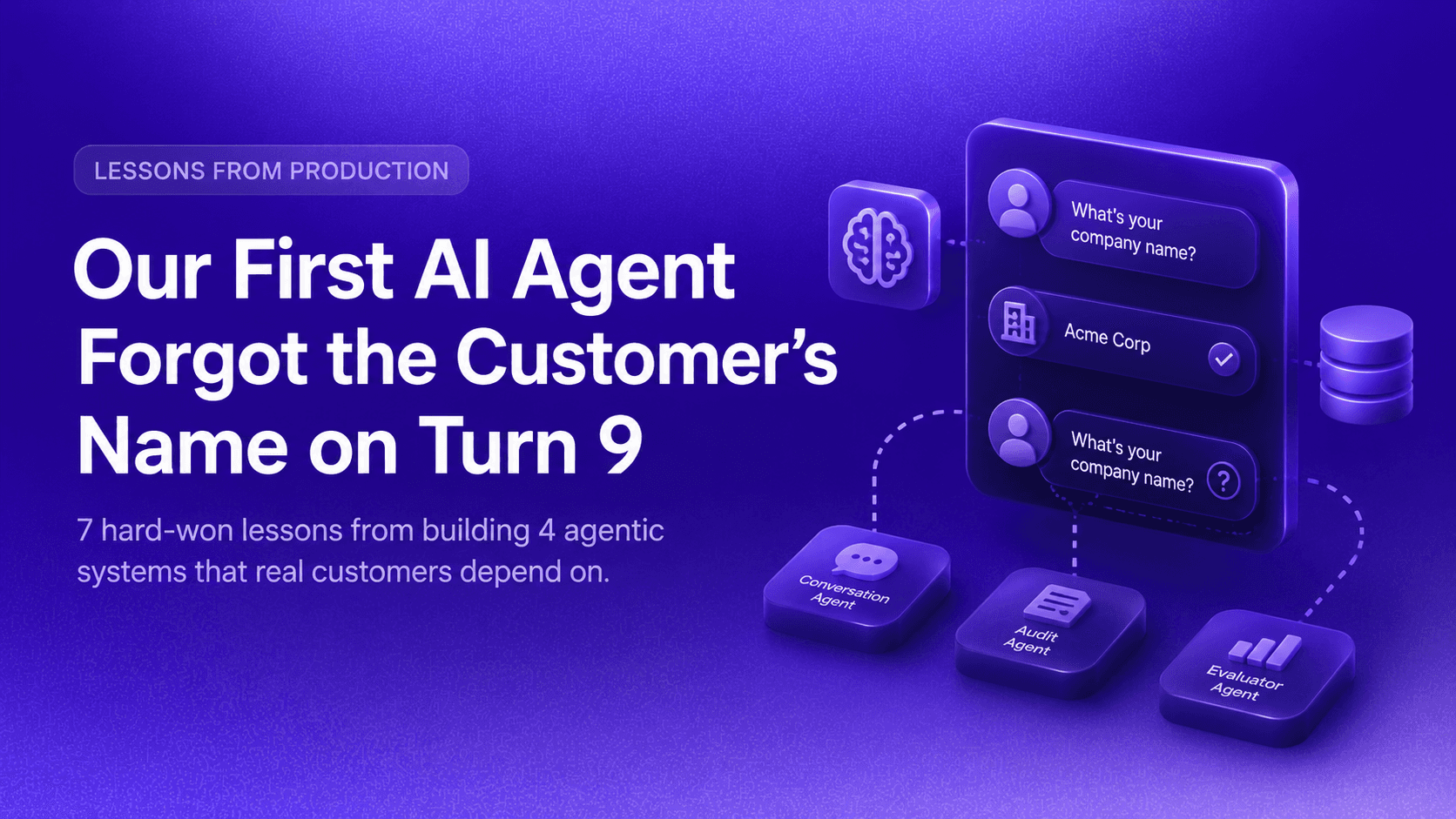
Not on turn 1. Not on turn 2. It greeted the user correctly, handled the first few exchanges just fine, and then — nine turns in — it asked the same question it had already gotten an answer to. Like it had never been told.
That was eight months ago.
Since then, we've shipped four agentic systems at Prodloop that real customers depend on every day across QA, voice, simulation, and evaluation. And what surprised us more than anything wasn't how hard it was to build these systems. It was how consistently the same problems showed up across completely different domains.
The same failure modes. The same architectural traps. The same moments where something that looked impressive in a demo quietly fell apart under real-world conditions.
What follows are the seven lessons we actually learned. Not from whitepapers. Not from toy demos. From production.
The Setup
Day 1: We built a single agent, with a single model, running on one giant prompt that did everything. Greeted the user, took files, scored calls, summarized results. It demoed beautifully.
Day 14: We pointed it at 20 real call recordings and a custom scoring framework. By turn 9, it had forgotten the customer's company name, transcribed the same audio twice, and re-asked questions it already had answers to.
Day 30: We threw most of it away.
Since then: Four agentic systems shipped across different domains, same lessons every single time.
What follows is what survived the rebuild and kept showing up again on every system we built after it.
Lesson 1: God-Agents Fail. Specialize the Brain.
A single agent with 20 tools and a 600-line prompt looks elegant on a whiteboard. In production, it becomes a slot machine. Every turn, the model picks a different tool path, and you can never tell why.
We tried it. One agent, all tools, all jobs conversation, file analysis, audit scoring, prompt optimization, all in one prompt. What happened: tool calls drifted, reasoning leaked into scoring, and debugging meant grepping through a transcript trying to figure out where things went wrong.
What actually works is three agents with strict scopes. A conversation agent that runs the flow. An audit agent that scores files. An evaluator agent that handles prompt optimization. Each one is small, testable, and replaceable.
The rule of thumb we now use: if your agent has more than 8-10 tools, you've built a god-agent. Split it. Composition beats configuration every time.
This isn't just our experience. Research comparing single-agent and multi-agent systems for incident response found that single agents produced actionable recommendations less than 2% of the time, while multi-agent systems with specialized roles hit 100%. The difference isn't model quality. It's focus.
Lesson 2: For Transactional Agents, Working Memory Beats RAG
RAG became the default answer to "how does the agent remember things?" And for certain use cases, like searching through documentation or retrieving relevant knowledge, it makes sense.
But for agents that actually do work over time QA, support, ops, sales RAG is the wrong default. Vector search embeds chat history and recalls fragments. It's lossy, it's slow, and it hallucinates state that no longer matches reality.
The problem we were having — our agent re-asking questions it had already gotten answers to — wasn't a retrieval problem. It was a state problem. The agent didn't need to search the past. It needed to read its own scratchpad.
We moved to a typed JSON state per thread: company, files, parameters confirmed, prompt URI, pinned version. The agent reads and writes it every turn. It's always current. It never re-asks.
The test we now apply: if your agent is asking the user the same question twice, it doesn't need a vector store. It needs typed state.
Lesson 3: Use Two Models, Not One
There is no single "best" model. Reasoning models are weak at multimodal audio. Multimodal models are weak at strict tool-calling and structured output. Pick one and your agent breaks exactly at the seam where those two jobs meet.
We stopped trying to find one model to do everything and split into two planes instead.
The reasoning plane handles planning, tool calls, structured output, and low-latency back-and-forth. The perception plane handles native audio and video grounding, concurrent file scoring, and anything requiring multimodal accuracy. Each model does what it's actually strongest at.
The result: latency improved, accuracy improved, and cost went down. Not because we found a smarter model because we stopped asking each model to do things it wasn't built for.
Lesson 4: UI is a Tool Call, Not a Deploy
Every customer needs a slightly different form. Different scoring scales, different metadata, different optional fields. If every variation requires a code change, your engineering team becomes a form factory.
The old way: every new scoring field is a PR, a review, a deploy. By the time it ships, the customer's requirements have already changed.
What we do now: the agent emits a JSON description of what to render — tabs, carousels, modals, sliders, forms. The frontend renders it on the fly. A new scoring config can exist mid-call, before the call even ends, without anyone touching the codebase.
The mental shift is this: stop thinking of UI as the shell around the agent. Think of it as something the agent outputs like text, like a tool call. Once you think about it that way, a whole class of engineering bottlenecks disappears.
Lesson 5: Treat Prompts Like Code
A prompt is a piece of software. It runs on a non-deterministic CPU. It deserves the same discipline you'd give a critical function: version control, regression tests, the ability to roll back.
Without that, you ship accuracy regressions to customers and call them improvements.
Here's what our prompt discipline actually looks like:
Version every prompt change. Every iteration is archived with a URI. Diffs are reviewable. Nothing lives only in someone's clipboard.
Pin a known-good version per customer. Customers can opt out of new prompt rollouts. No silent regressions on a Tuesday.
Automated golden-set evaluation. A second agent compares model output to human-verified labels. It runs on every prompt change.
DSPy in the loop. Programmatic prompt refinement against the golden set. The optimizer is itself an agent.
If you can't roll back a prompt the way you roll back code, you don't have a production agent. You have a prototype.
Lesson 6: Memory Has Three Layers. Most Builders Ship One.
Short-term memory — the rolling chat window — is what every framework gives you by default. It's also where most teams stop. The agents that actually feel smart have two more layers underneath.
Layer 1 Short-term memory: The last N messages. Cheap and obvious. Not enough on its own.
Layer 2 Working memory: A per-thread JSON the agent reads and writes every turn. This is what stops the re-asking. The agent always knows what's been confirmed, what's pending, and what the current state is.
Layer 3 Observational memory: A second model that silently watches the thread and writes observations and reflections. It's triggered by idle time or context shifts. The agent doesn't just remember what happened — it remembers what mattered.
Working memory is what stops your agent from feeling forgetful after turn 5. Observational memory is what turns individual conversations into institutional knowledge over time.
Skipping either one is the reason most agents feel noticeably dumber by week two.
Lesson 7: Reliability is Not Vibes
Demos run on the happy path. Production runs on Tuesday at 3am when your model provider returns a 503, the customer's audio file is corrupted, and the user closed the browser tab halfway through an audit.
Every layer fails. The only question is whether you planned for it.
Four practices that turned our prototype into something we'd actually put in front of paying customers:
Suspendable workflows. Steps can pause for user input or async jobs and resume hours later. No busy loops. No lost state.
Retries on every tool call. Exponential backoff, idempotent tool design, automatic pipeline retries. When something fails, the system handles it — not the user.
Processor pipelines, not heroics. Input, output, and error processors run on every turn. Behavior is composable, not hand-coded into prompts.
Replayable turns. Structured logs with OpenTelemetry. Any failed turn can be replayed against the same state in minutes, not hours.
The question we ask ourselves now: if a turn failed, could we replay it deterministically and figure out exactly what went wrong?
If the answer is no, you don't have an observable agent. You have an LLM with a chat UI.
What This Actually Cost Us
Eight months ago, we shipped something that couldn't remember a company name nine turns into a conversation.
Today, four agentic systems are running in production, serving real customers across different workflows and domains. The architecture looks nothing like what we started with.
What changed wasn't the models. Models kept improving on their own. What changed was how we thought about the problem memory as a multi-layer system, agents as specialized roles, prompts as versioned software, UI as something the agent emits, reliability as something you engineer rather than hope for.
None of these are obvious when you're building your first agent. All of them are obvious in retrospect.
If you're building agentic systems right now, we hope this saves you at least one Day 30.
Prodloop builds voice AI analytics infrastructure for enterprise sales and customer success teams. If any of this resonated with what you're working on, we'd like to hear from you.
